Ilya Levenberg
На всех. Причем аватарки я делаю с хорошим разрешением.
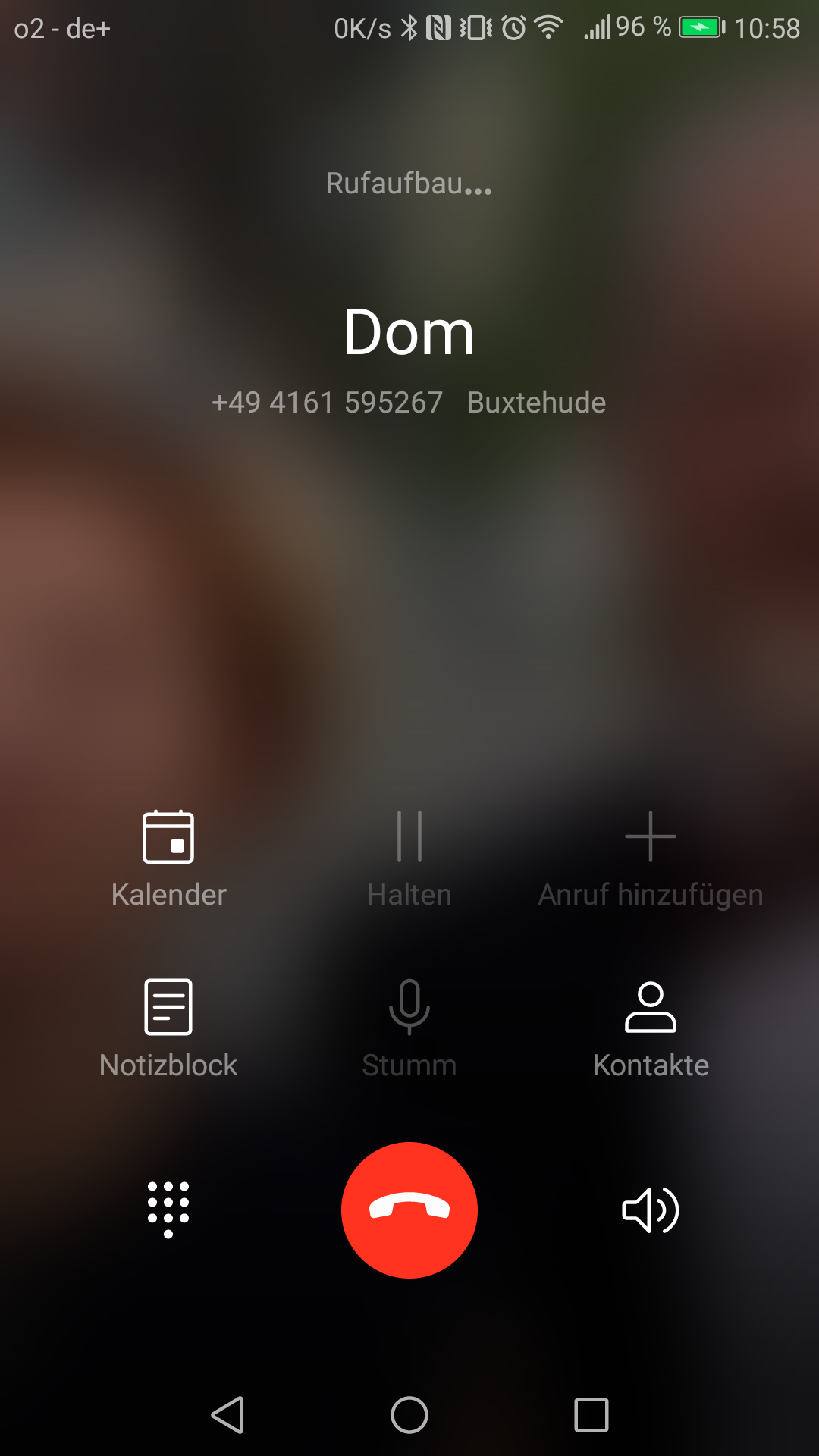
You can actually customize the level of blur for the call screen background image. Here’s how:
1. Open the Phone app.
2. Tap the Menu button in the upper left corner, and then select Settings.
3. Tap Call screen settings > Call background settings > Background blurred degree.
5. Move the slider to adjust the level of blur. The default level of blur is 4.